
Your current website stays. We add the tools around it.
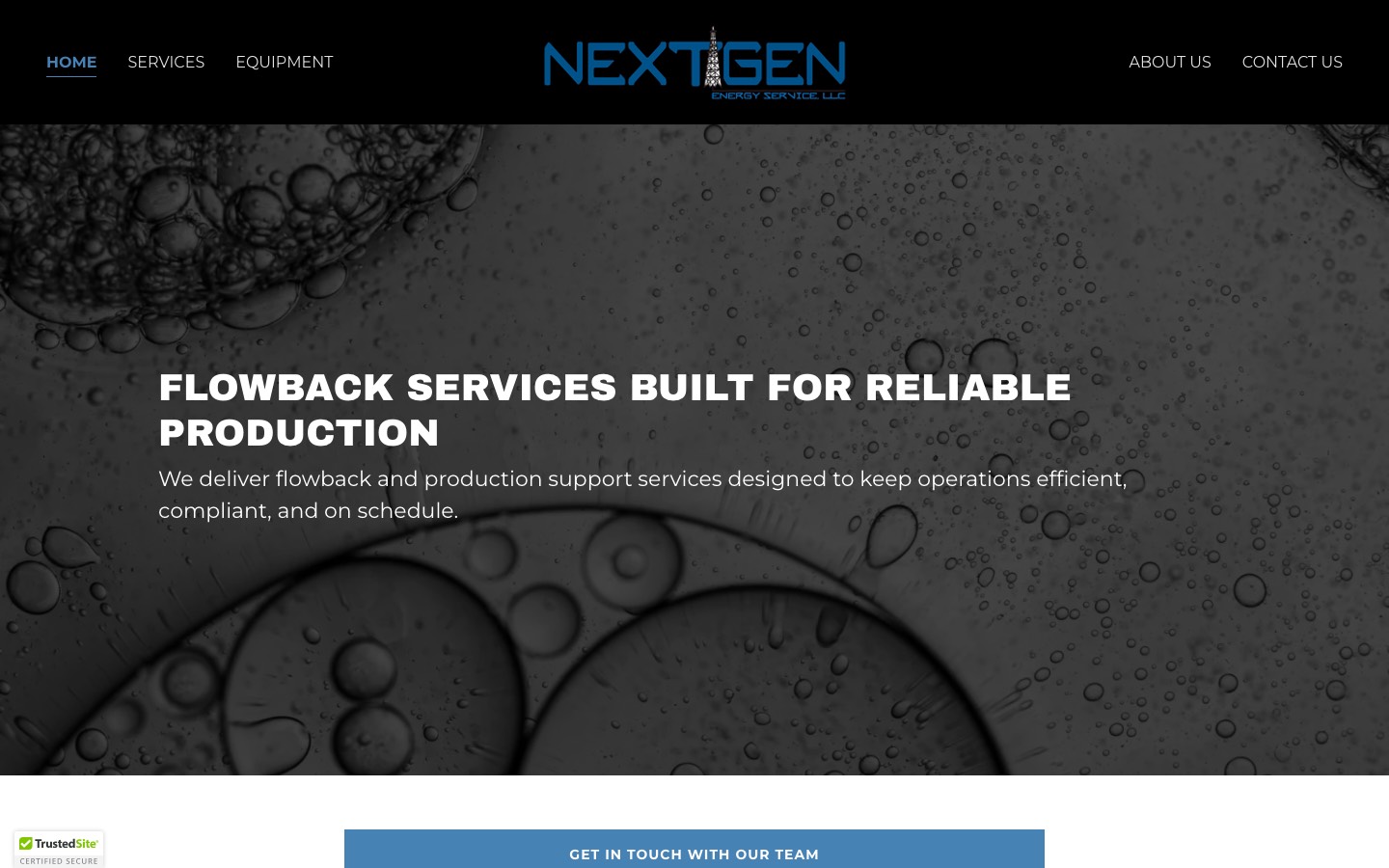
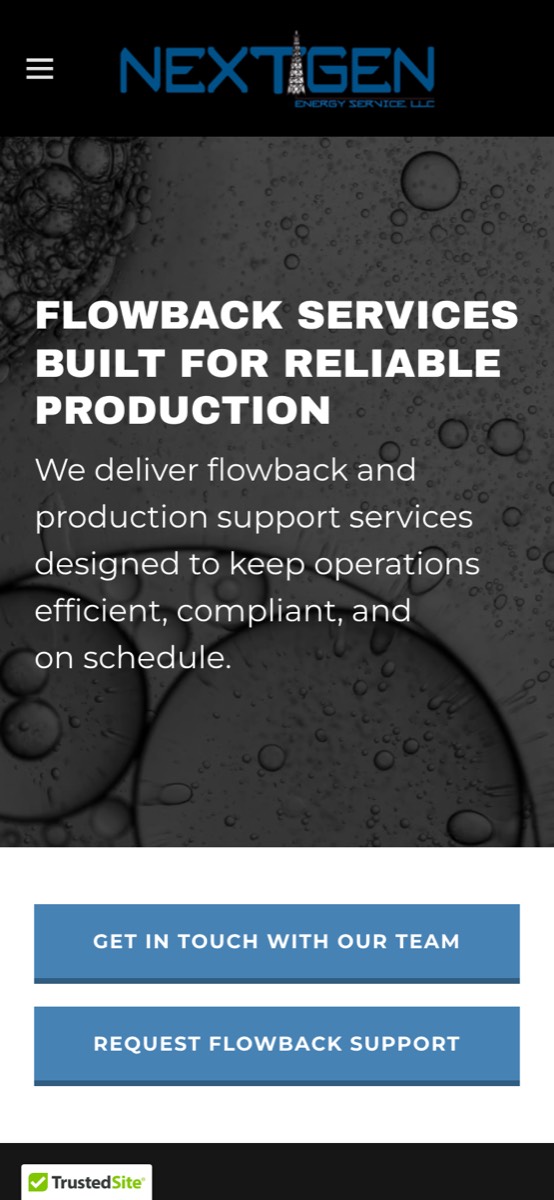
Below is your real site (nextgenenergyservice.com). The Request a quote and Chat 24/7 buttons in the corner are live: try them. Requests go into the staff app, where your team quotes, dispatches, invoices and tracks every job.
Quote request button
Visitors pick a service or equipment or service and send a request. It lands in your staff app and alerts your team.
24/7 AI chat
Answers common questions from your own information, day or night, and takes call-back requests. It never makes up prices.
Customer account
Your customers look up quotes, invoices and job status with their invoice number and email.
Staff back office
Quotes, dispatch, field checklists, invoices, customers, documents, team, training, AI coach, reports and accounting export.
How to tour this demo
- Click Request a quote in the corner and send a test request.
- Click Chat 24/7 and ask about services or the service area.
- Open Staff sign-in, enter the demo access code, and find your request under Quotes.
- Walk a sample job through Dispatch → Field checklist → Invoice → Reports.
- Open Customer account to see what your customers see.
Jobs, customers and invoices in the staff app are sample data. Your services, photos, locations and contacts come from your current website.
Install on your site: one line
Paste this before </body> (most site builders have a “custom code” or “HTML embed” box). Nothing else on your site changes.
<script src="https://nextgen-plus.sandboxsynergy.org/client-embed.js" data-client="nextgen-supplemental" data-color="#0070B8" async></script>Any button or link on your site can also open it: add data-ss-open="quote" or data-ss-open="chat".